Google Maps
I just need to drive there
Navigation, traffic and turn-by-turn guidance are the main needs.

Interactive Comparison
Route Planner does not replace Google Maps or Google My Maps. It complements them by handling the planning before navigation.
Choose a scenario and see the recommendation immediately.
Google Maps
Navigation, traffic and turn-by-turn guidance are the main needs.
Route Planner
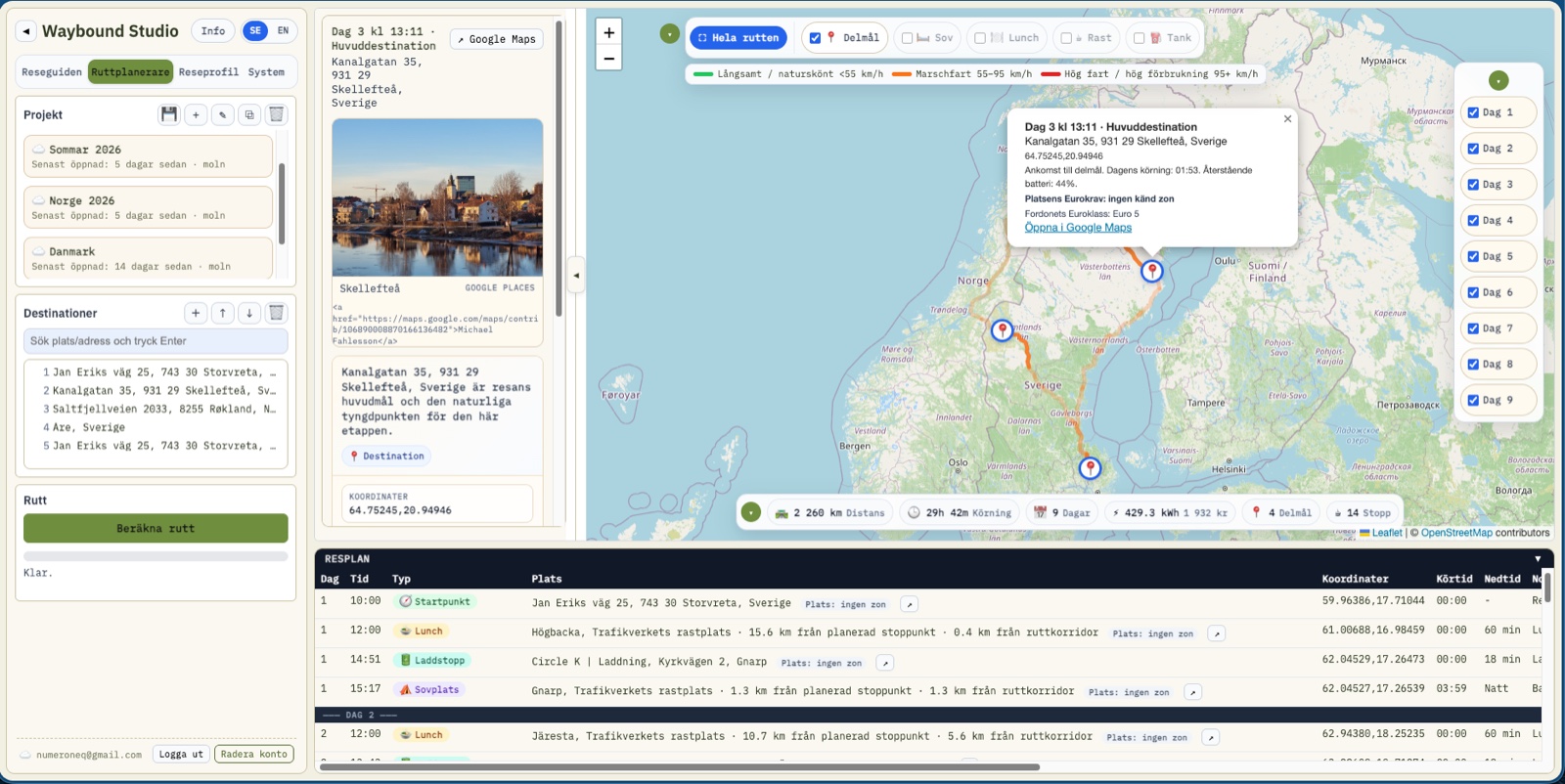
Daily stages, rules, rests, vehicle and stops need to fit together before departure.
Google My Maps
A shareable map with layers is better for presentation and documentation.
Route Planner
The journey needs overnight stops, reasonable days, fuel, breaks and road choices rather than only fastest route.
Car Bingo and Explorer
No map app solves this. Car Bingo is a spotting game that works entirely offline; Explorer turns the next junction into a choice.
Open Places, via On The Road
Nearby lists places close by sorted by distance, with a source per place. Google can show a rest area, but cannot filter on what it actually has.
Happy Trails
A public link that retells the journey, without you having written or photographed anything on the way. The recipient needs no account.
Navigation
Best when you already know where to drive right now.
Journey planning
Best when you want to shape the whole trip before navigation starts.
Documentation
Best when the route should be shown, documented or shared as a map.
| Google Maps | Route Planner | Google My Maps | |
|---|---|---|---|
| Primary job | Navigate from A to B | Plan a journey across several days | Show and share a custom map |
| Daily stages | Weak | Strong | Manual |
| Breaks/lunch/overnight | Manual | Built into planning | Manual as layers |
| Vehicle profile | Limited | Central | No |
| Export flow | Navigation target | Source for further export | Shareable map |
| Best timing | While driving | Before the trip | After or during planning |
This is how we travel ourselves. None of it is compulsory – the Google Maps export is still there and works exactly as before.
Shape the journey, rules, days and stops before driving starts. Nothing else on this list does that.
Our recommendation. Both already know the plan, so they can show the next stop, the rest of the day and what's nearby without you searching for it. An ordinary map app knows nothing about your trip – only the road there.
Prefer Google Maps' voice guidance and traffic data? Export there as usual. You lose the link back to the plan – next stop, the reasoning behind it, and Nearby – but the directions are the same.
My Maps if the recipient should see the route as a map with layers. Happy Trails if they'd rather read the trip as a story, without installing or signing up for anything.
Re-plan, export again. The plan is the source; everything else is a view of it.
Google Maps is excellent for navigation. Route Planner serves a different purpose: planning an entire multi-day trip.
Best for:
Best for:
Adds:
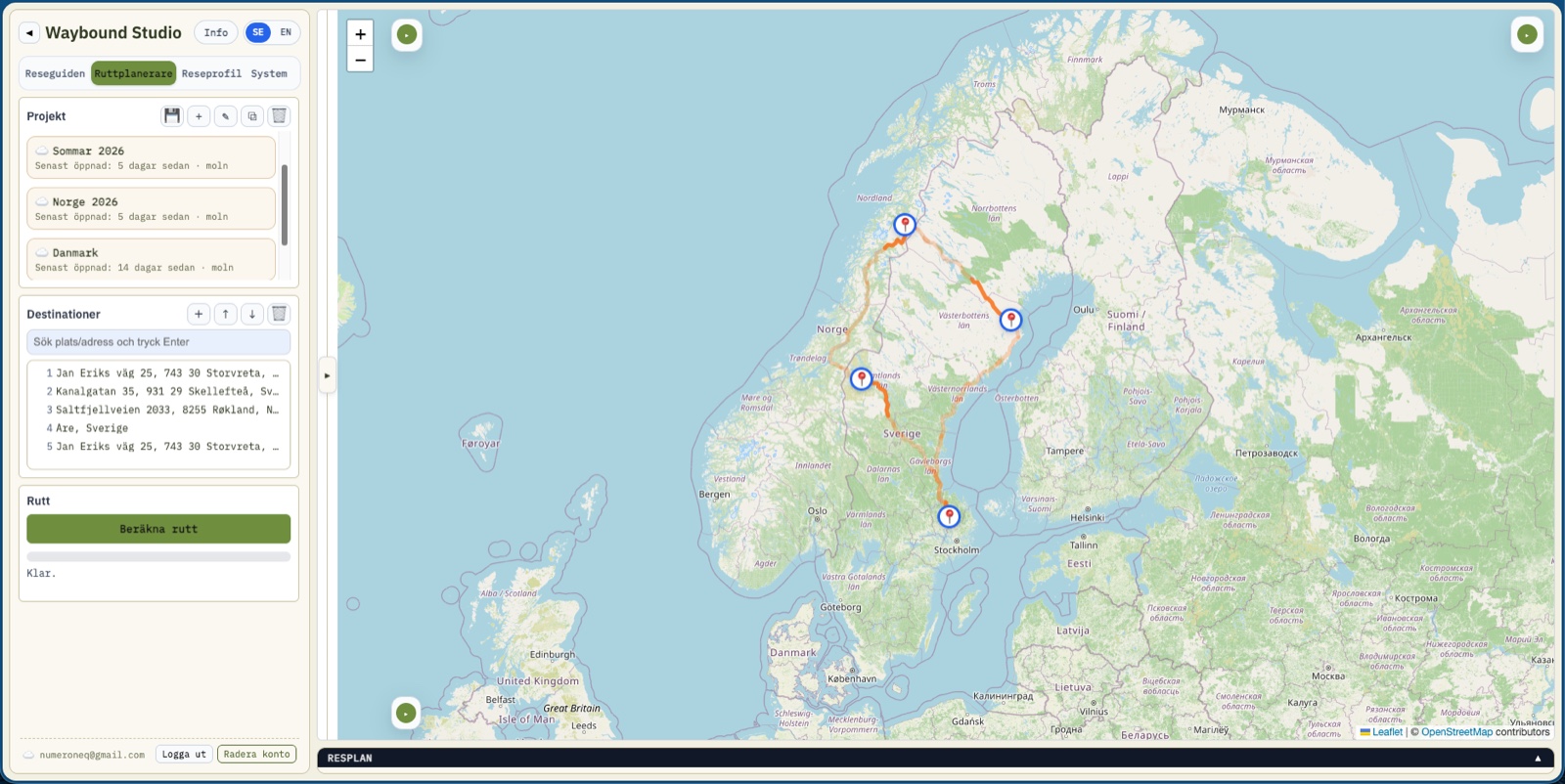
Route Planner is used before and around navigation. Once the plan is ready, the trip can be sent to Google Maps or Google My Maps.
The comparison above is about Route Planner specifically — the planning piece, the only part of Waybound Studio that actually competes with Google for the same job. The rest of the suite does things Google Maps doesn't even attempt.
Google Maps knows where you are. Waybound Studio knows why the trip was worth taking.
We're honest about where Google is genuinely better: real-time turn-by-turn navigation, live traffic, and global road coverage aren't something Waybound Studio tries to compete with. That's exactly why Route Planner hands you off to Google Maps or Google My Maps once the plan is ready, instead of building a worse navigation engine of its own. See Data Sources and Licenses for exactly which Google services are used, and when.
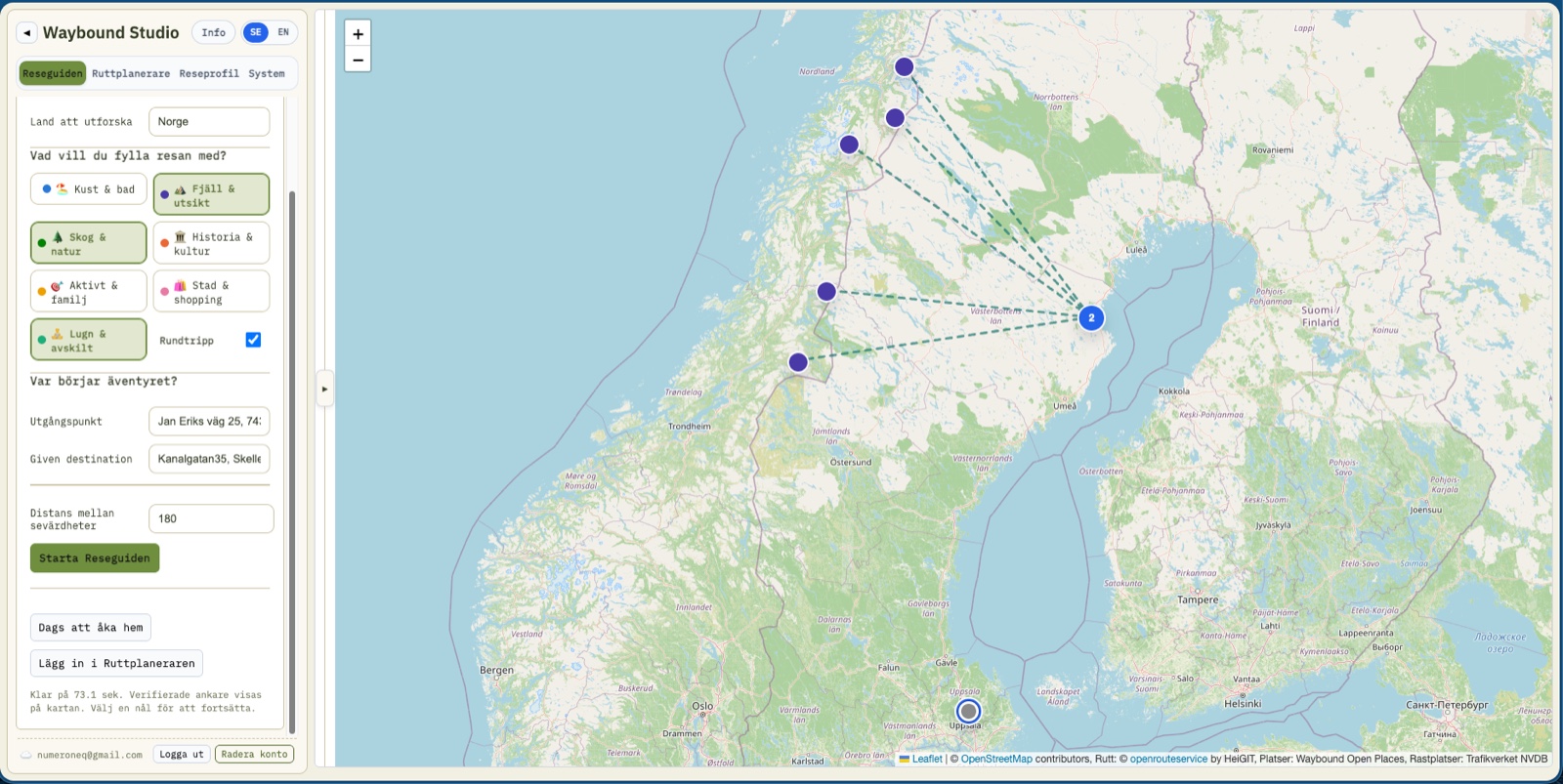
The route planner starts from the rhythm of the journey rather than the map's shortest line: reasonable days, clear stops and a plan you can export to the right tool when it's time to drive. The goal is not the fastest path but a journey that can actually be executed — which is the whole difference from the tools it is compared against here.
The Feature Explorer walks through what Route Planner can actually do, feature by feature.
If the comparison above is only the first step in a technical evaluation — architecture, integration contracts and the security model live together in the technical documentation.